
Recovery of .lsa & .lsav Files
**📢 XiaomiDecryptor — For Encrypted MIUI Gallery Files**
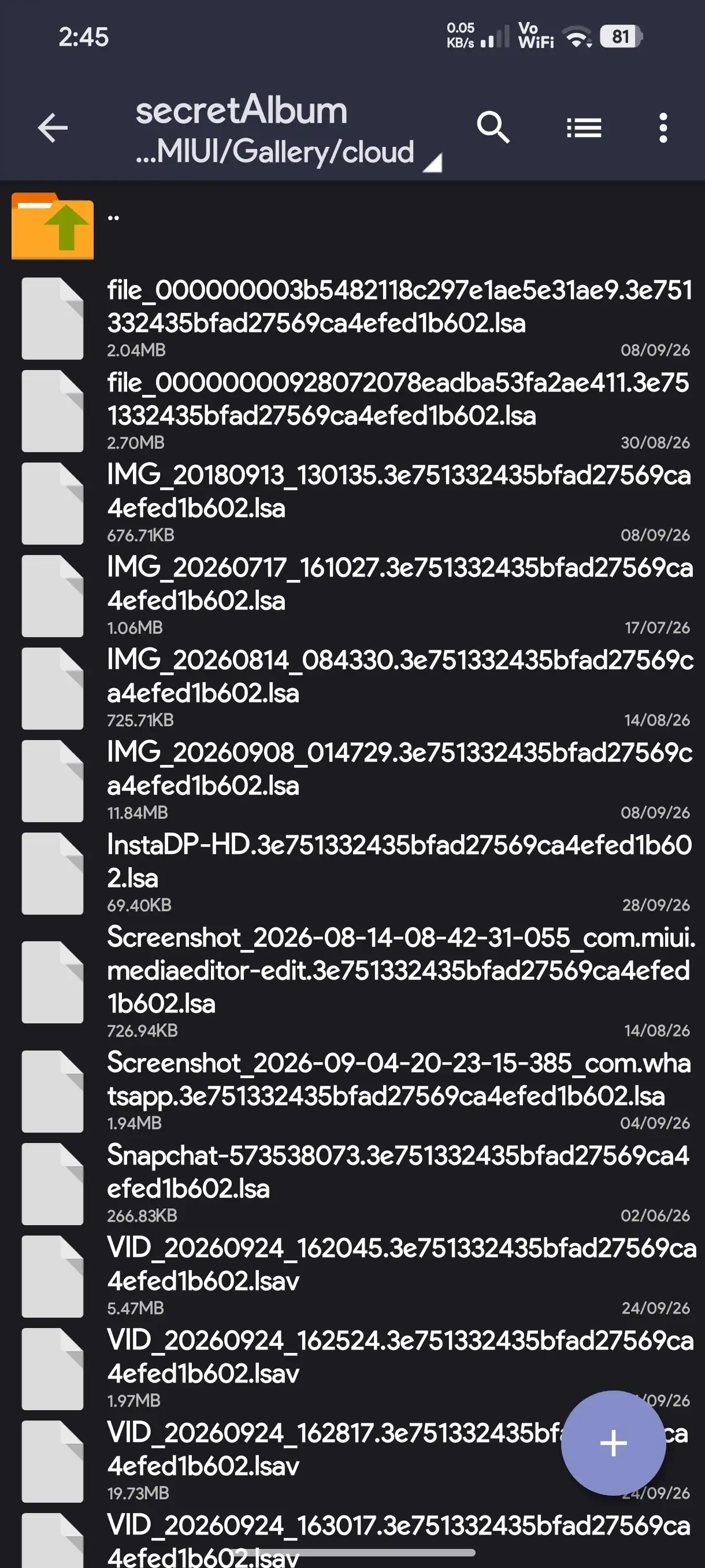
If you have encrypted photos/videos or other media files from MIUI Gallery that you can no longer access normally, you can try XiaomiDecryptor.
🛠️ Application:
**XiaomiDecryptor** v2.2 (7)
🔗 Download : github.com/areyoumahiyadav/MIUI-Gallery-Decryptor/releases/tag/MIUIGalleryDecryptor
👤 Who needs this?
This application may be useful if:
You have media files encrypted by MIUI Gallery.
Your files were extracted/backed up from a **Xiaomi/Redmi/POCO** device.
The files are no longer accessible through the Gallery app.
You need to recover/decrypt your own MIUI Gallery media.
⚠️ Important: Please make a backup of your original files before attempting any decryption.Use this tool only with files you own or have permission to access.
📌 Download the appropriate release from the GitHub page above and follow the instructions provided with the application.
If you don’t have MIUI Gallery-encrypted files, you don’t need this application.
Made With ❤️🩹 By MahiYadav
TG-Support : @miui_decryptor_bot
.lsa és .lsav fájlok helyreállítása **📢 XiaomiDecryptor — Titkosított MIUI Galéria fájlokhoz**…
Recovery of .lsa & .lsav Files **📢 XiaomiDecryptor — For Encrypted MIUI Gallery Files**…
 Mahi Yadav2026. okt 5. · 👁 47 · ♥ 5 · 💬 1
🌐 A poszt eredeti nyelven jelenik meg.
Megnyitás a Xiaomi Communityn ↗ Forrás: Xiaomi Community. A tartalom a szerzőé.

XiaomiFans2026100446222026. okt 11.
its working 100%. Thnx
♥ 0